

Overview
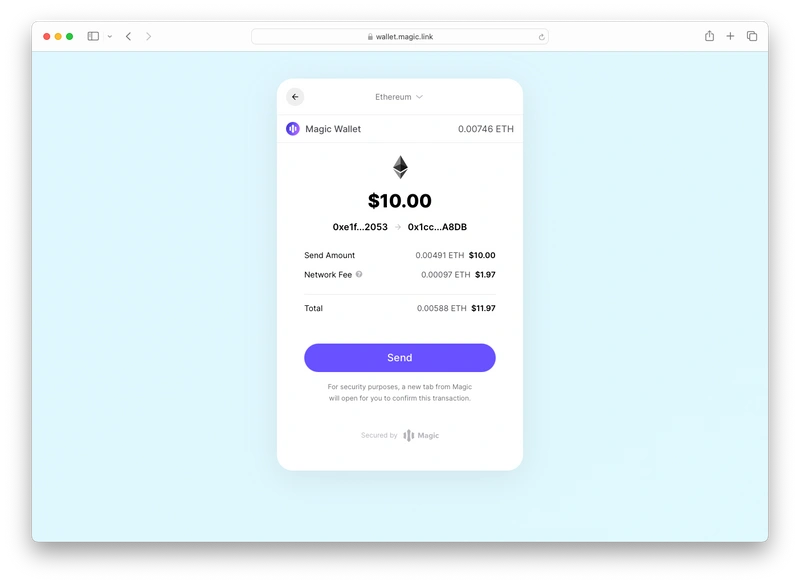
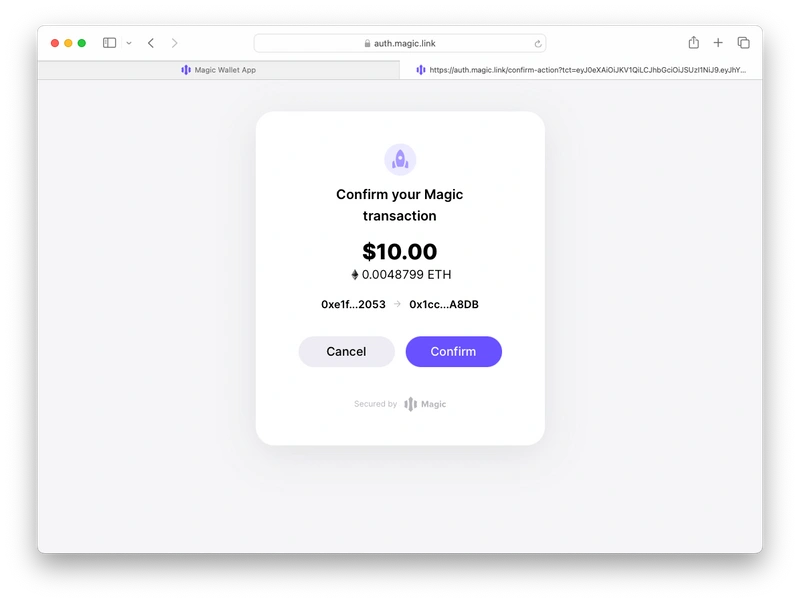
Magic offers out-of-the-box UI for Transaction Signing. This UI will be presented to the user whenever thesendTransaction EVM RPC method is called with a web3 provider library such as ethers.js.
Compatibility
- Transaction Signing UI is disabled by default and can be enabled within the developer dashboard in Customization -> Widget UI. Magic also offers Sign Confirmation, a feature that secures users from front-end attacks, by prompting them to confirm the transaction in a Magic-hosted tab after clicking “Send”.
Use Cases
- Requesting signatures from users for any transaction on the supported networks