

Overview
Magic’s authentication can enable passwordless Web3 onboarding (no seed phrases) using multiple configurable methods. Each method either creates an account address for the user (non-custodial) or utilizes an existing account address. This is handled completely by Magic with out-of-the-box UI, with no lift from the integrating dApp.Compatibility
The Login UI is available via the following client-side SDKs:Use Cases
- Allow your users to log in and/or sign up to your dApp using their preferred authentication method and gain access to their public wallet address on the network you are connected to.
- You can collect a signed token for wallet address verification and skip the need to explicitly request a personal signature which would prompt an additional screen.
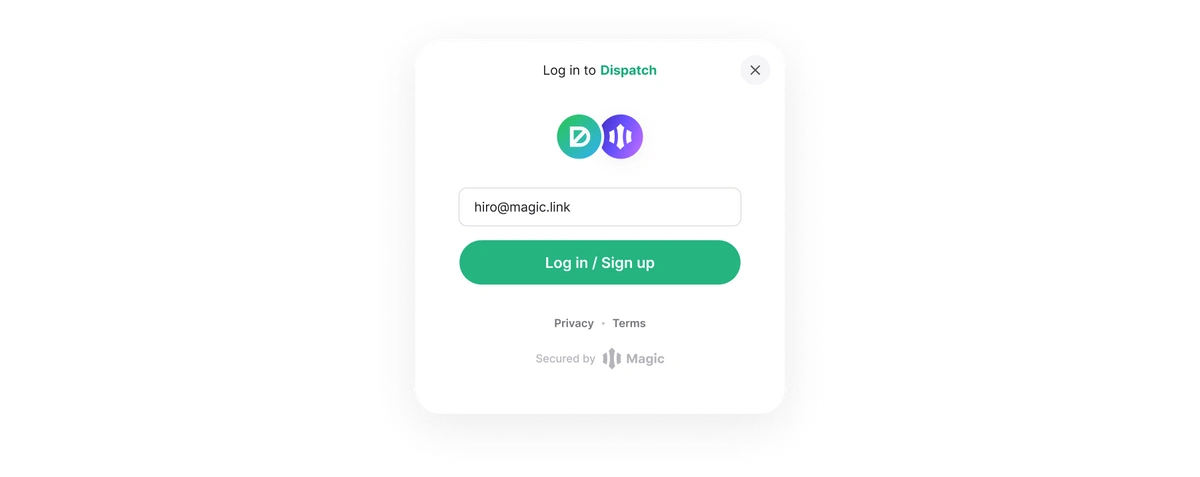
Authentication Methods
Email One-Time Passcode
If a user chooses to authenticate through their email, they will receive a unique code to their email that is generated per attempt and the user will be required to enter it to authenticate. OTPs for email provide a simple and effective way to increase security and ensure the safety of user assets.Usage
Login
JavaScript
Device Registration
Find out more about Device Registration here.Configuration
- See how to brand this experience with your own logo and colors in the customization section.