

Documentation Index
Fetch the complete documentation index at: https://docs.magic.link/llms.txt
Use this file to discover all available pages before exploring further.
Overview
When a user clicks on a magic link from their email, they will be required to enter a 3-digit code that was presented in the app that they attempted to log in from.
Usage
- Go to the Magic Dashboard and sign into your developer account
- Go to your app for which you would like to enable this feature
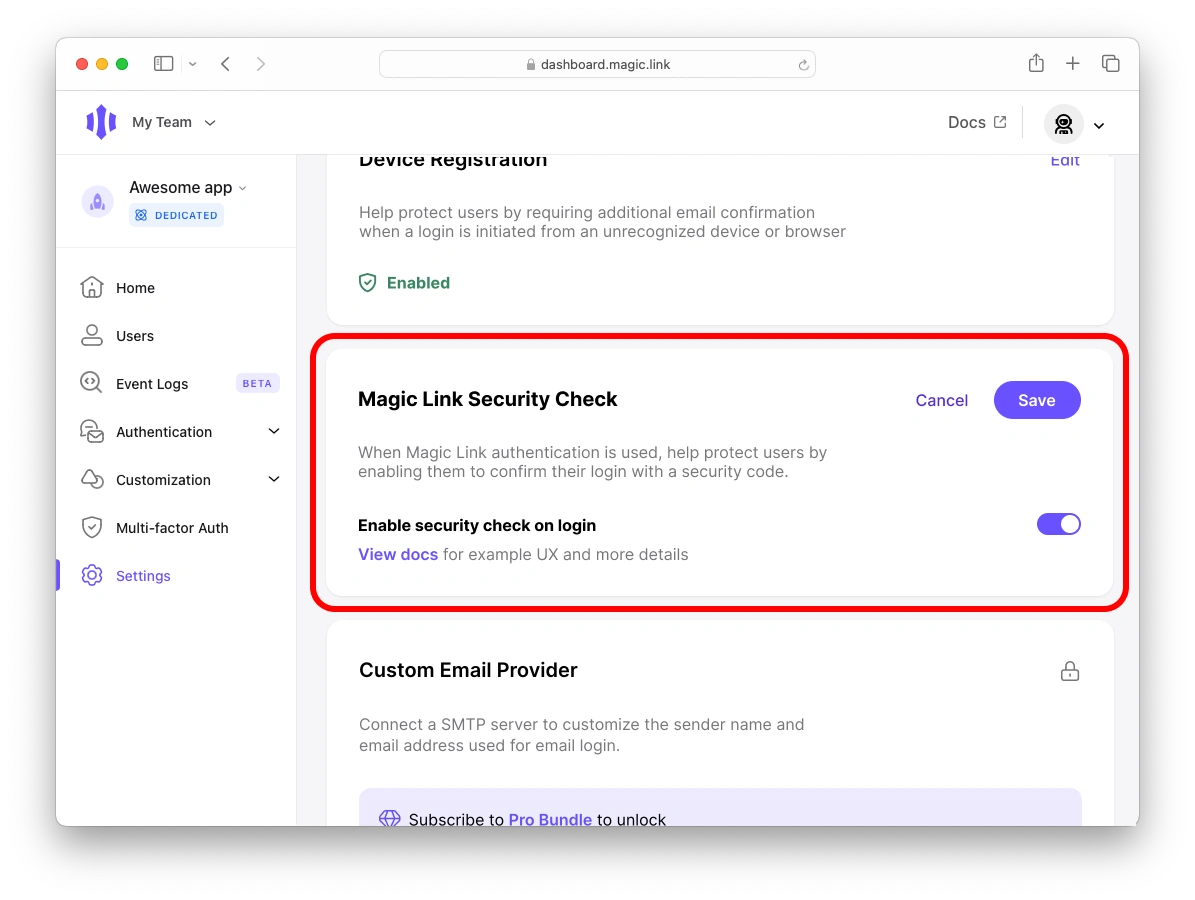
- Go to “Settings” on the left navigation bar, scroll down to the “Magic Link Security Check” section, and click “Edit” in the top right corner
- Toggle on “Enable security check on login” and click “Save”