

Overview
WebAuthn allows your users to sign up and log in to your web app with a FIDO2 device (YubiKey) or with biometrics (Touch ID). This API enables strong authentication with public key cryptography, enabling passwordless authentication and secure multi-factor authentication. For example, Passkeys utilize WebAuthn to enable passwordless authentication using device biometrics.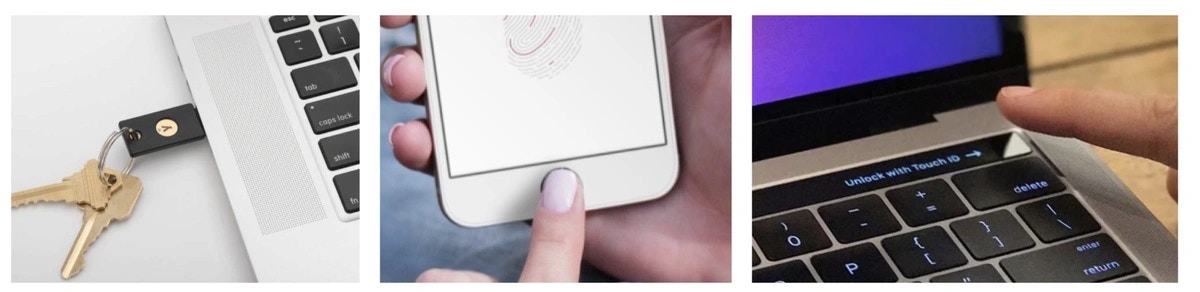
Compatibility
WebAuthn is currently only supported on desktop, and will be supported on mobile devices soon.
WebAuthn module of the Web client-side SDK.
Use Cases
- Passwordless, biometric authentication using public key cryptography
Usage
Installation
WebAuthn works as an extension to Magic SDK. To add WebAuthn to your Magic integration, follow these steps to install the WebAuthn Extension. Install the Magic WebAuthn extension:Initialization
Create your Magic SDK instance with the WebAuthn extension:JavaScript
Register new users
Register new users with theregisterNewUser function in the webauthn module. You must provide the user’s selected username and can optionally provide a nickname for the device.
JavaScript
Authenticate users
Authenticate users with thelogin method in the webauthn module. You must provide the user’s username.
JavaScript
Get User Metadata
Get WebAuthn-specific metadata with thegetMetadata method in the webauthn module. The response includes the user’s username as well as device info like the device ID, device nickname, etc.
JavaScript